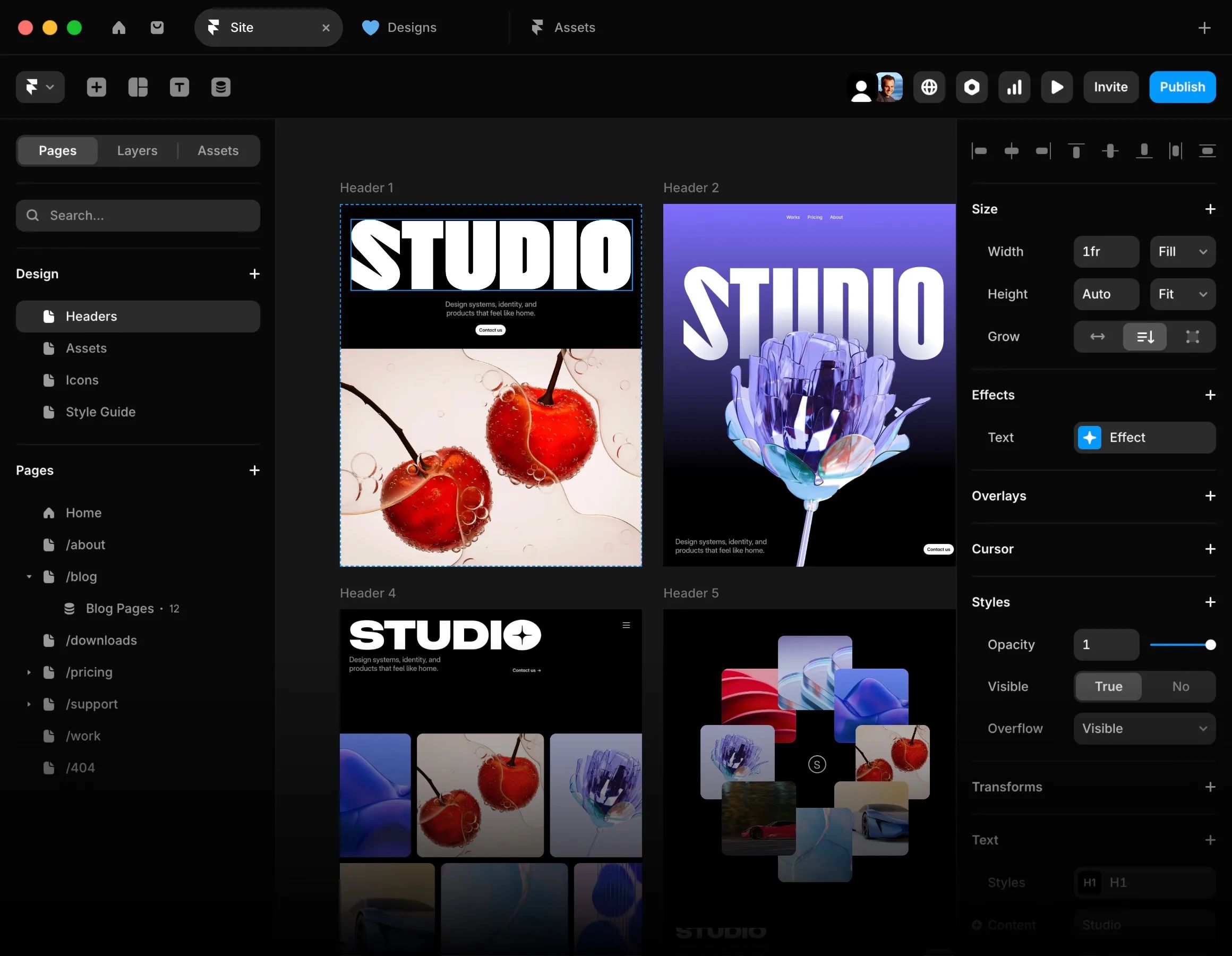
The question comes up in almost every first conversation about a relaunch: Framer or Webflow? Both build proper websites, both are no-code, both cost roughly the same. The difference lies elsewhere — and it is decided not by the feature list but by what your site has to do after launch.
We build with both, and with Nuxt when neither fits. This is an attempt to break the decision down honestly rather than crown a winner.
The short answer
Framer wins when the site is a marketing instrument: strongly visual, changed often, a small to medium page count, design and publishing in the same hands.
Webflow wins when the site is a content platform: lots of structured content, several editors with different permissions, complex relationships between content types, a blog that genuinely grows.
Everything below is the reasoning behind those two sentences.
Iteration speed: the real difference
The practical gap shows up not during the build but at the fourteenth change request. In Framer a new section appears directly on the canvas — the person who designed it can build and publish it without anyone translating it into a system.
In Webflow there is an extra layer between draft and published page: classes, selectors, structure. That layer is why Webflow scales cleanly on large projects — and why a small change takes more steps there.
For an agency or marketing team building landing pages for campaigns every month, that is the factor that determines cost. Not the subscription price.
Content modelling: this is where it flips
As soon as structured content is involved, the comparison turns. Webflow's CMS is more mature: more field types, more robust references between collections, finer control over who may change what.
You notice it in three places:
- Relationships. An article with several authors and several categories that each get their own page — a clean data model in Webflow, quickly a workaround in Framer.
- Editorial permissions. When three people may publish but nobody should touch the layout, Webflow's role model is clearly ahead.
- Volume. At a few hundred entries the difference in manageability becomes tangible.
If your site is essentially a blog or a directory, Webflow is the sounder choice — even when Framer looks nicer in the draft.
Multilingual sites
For German-speaking markets this is often where the decision falls. Webflow has localisation built in natively, with separate URLs per language and the option to override content per locale.
In Framer, multilingual is possible but less deeply integrated. For two languages and a manageable page count it works. For four languages with different offerings per market it gets laborious — and the hreflang markup, without which multilingual visibility does not work, needs careful checking.
What both can do for SEO — and what they cannot
The most common misconception: that you have to choose between no-code and good visibility. That has not been true for years. Both deliver server-rendered HTML, both allow custom titles, descriptions, canonicals and redirects, both generate a sitemap.
Where both hit limits is fine control:
- Structured data. Beyond the basics (organisation, article) it gets fiddly in both. A coherent schema graph in which organisation, service, location and author reference each other cleanly is manual work.
- Load time in detail. Both are decent out of the box. The last tenths on Largest Contentful Paint come from control neither tool exposes.
- Redirects at scale. On a relaunch with three hundred old URLs, maintenance is tedious in both interfaces.
For most marketing sites that is irrelevant. If organic visibility is your main channel, it is not — more on that in SEO for more inquiries.
Cost, calculated realistically
The subscription is the smallest line. Webflow bills in layers — site plan plus workspace seats, e-commerce separately again. Framer bundles more into one plan but more often needs third parties for shop features and localisation.
The larger line is working time. Do not calculate the build; calculate twelve months of operation: how many changes come up, who makes them, how long does each take? For a team changing something weekly, the difference in iteration speed outweighs any subscription many times over.
When neither fits
There is a third case both tools cover poorly: when the site has to plug into existing systems. A login area with real roles. A price calculation pulling from your ERP. A configurator. Search across ten thousand records.
Then a custom frontend — for us usually Nuxt on Cloudflare — is the cheaper solution, because the workarounds in the no-code tool end up costing more than the clean build. How a move in that direction works is in Migrating from Framer to Nuxt.
The decision in four questions
- How often does the site change? Weekly points to Framer; quarterly makes the point smaller.
- How much structured content is there? Over a hundred entries with relationships to each other points to Webflow.
- Who publishes? One designing person points to Framer; an editorial team with roles to Webflow.
- Does the site have to plug into other systems? Then both point away.
Three of four in one direction means: take that direction. A tie usually means the site structure is not yet clear enough — and that is a positioning problem, not a tool problem.
What we recommend in practice
For brand, studio and campaign sites with a clear visual ambition and little structured content: Framer. For content-driven sites with a blog, several languages and an editorial team: Webflow. For anything containing product logic: a custom frontend.
And in all three cases the same applies: the tool matters less than the structure you build into it. A poorly structured site will work no better in Framer than in Webflow.
If you are facing this decision right now, write to us with what the site has to do. You will get an assessment — even if it is that you should stay with your current setup.